EN
EN UA
UA



 Login
Login 

Algorithm for starting a retail outlet


xyz-ihs snippet=”Main”]
The first step is to register your Personal Account on the website https://registration.paykitpos.eu/userfind where you need to enter the necessary registration data in the required fields when registering.
After that, you will receive a message to your email, where you will need to confirm the registration of the account via the link within 15 minutes.
- Selection of the necessary equipment with the help of our Sales Manager.
- Account settings (creation of a Retail Point, creation of Tax rates and PS groups, creation or download of Products, additional settings).
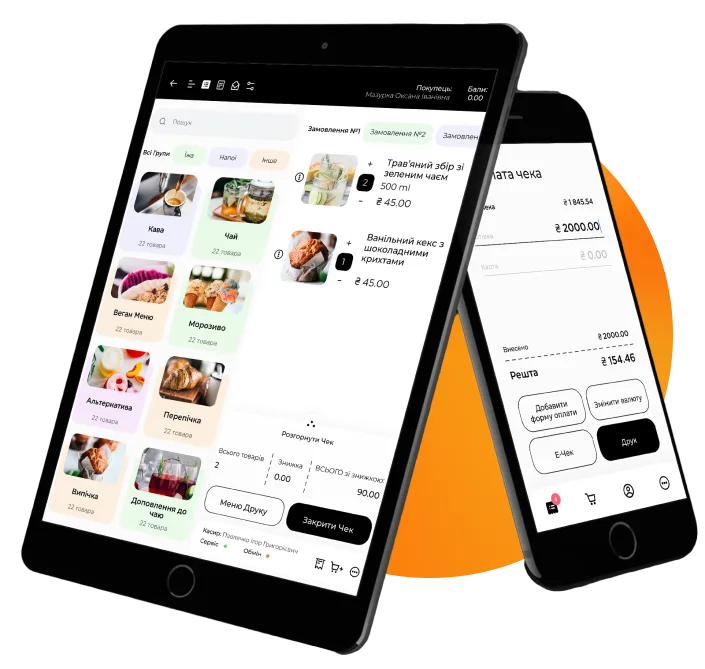
- Download the Paykit application from the Play Market or App Store, depending on your device.
- Connect the account to the application via your personal account in the “Retail Points” section–> Three dots –> “Workplaces” and click on the “Get Code” button.
- Open the Paykit application and enter the generated code in the field and click “OK”.
- In the application, go to Settings –> Synchronization and click on the Auto-Synchronization slider.
In order to set up PRRO, the client must have the following data:
- Tax key EDS (Electronic Digital Signature) and password from it
- Tax number
- Fiscal number
- Submitted forms to the tax office (1 PRRO, 5 PRRO, 20 OPP)
Connection of acquiring (if necessary).
Agree with technical support about training (Personal account 1 hour, Cashier’s workplace (RMK) 1 hour).
Наші клієнти












Algorithm for launching a retail outlet on Paykit
The first step is to register your Personal Account on the website https://registration.paykitpos.eu/userfind, where you must enter the necessary registration data in the required fields.