 EN
EN UA
UA



 Login
Login 
-
1 × 14100,00 ₴
-
1 × 1750,00 ₴
-
1 × 1600,00 ₴
-
1 × 2200,00 ₴
-
1 × 23600,00 ₴
-
1 × 27800,00 ₴
-
1 × 14100,00 ₴
-
1 × 2550,00 ₴
-
1 × 1750,00 ₴
-
1 × 2200,00 ₴
-
1 × 4800,00 ₴
-
1 × 3300,00 ₴
-
1 × 4450,00 ₴
-
1 × 23600,00 ₴
-
1 × 11100,00 ₴
-
1 × 2550,00 ₴
-
1 × 1600,00 ₴
-
1 × 2200,00 ₴
-
1 × 4800,00 ₴
-
1 × 3300,00 ₴
-
1 × 4450,00 ₴
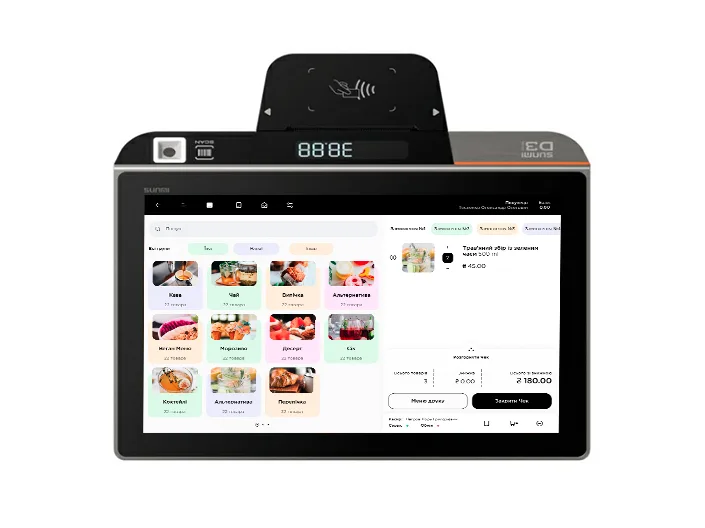
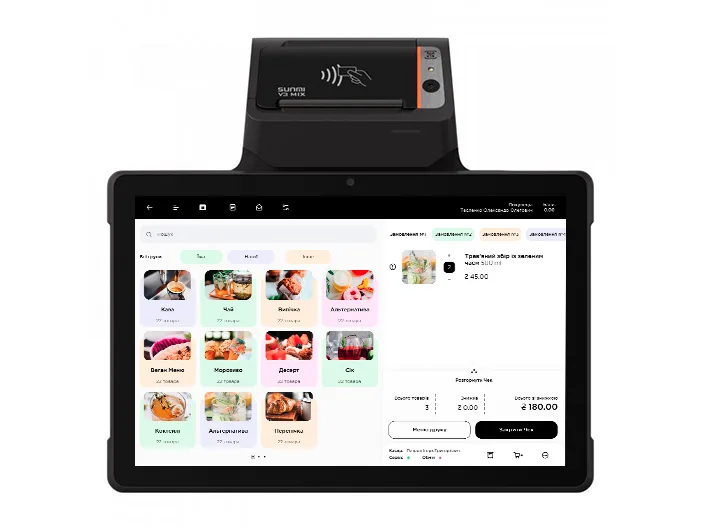
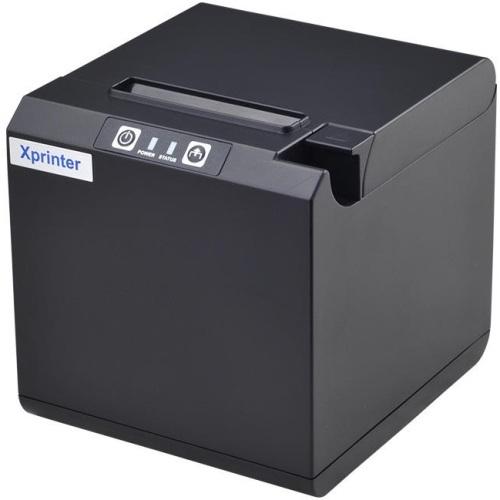

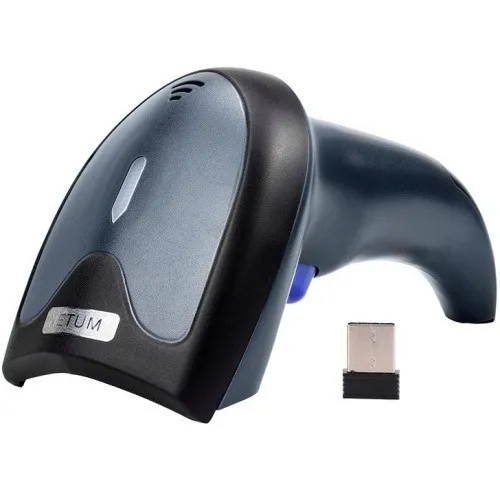
SalesBox + PayKit Integration
Online orders at the checkout — automatically and without extra effort
SalesBox
What is SalesBox
SalesBox is a customer engagement platform that gives businesses their own mobile app and online store. Customers place orders online, and those orders automatically appear in the PayKit POS for processing and payment.

Mobile app and website for accepting online orders

Loyalty program: bonuses, discounts, promotions

Push notifications and online chat with customers

Admin panel with customer database and analytics
How the SalesBox + PayKit Integration Works
From online order to fiscal receipt — with no manual actions required
-
1
Order
The customer places an order in the SalesBox mobile app or on the website
-
2
Synchronization
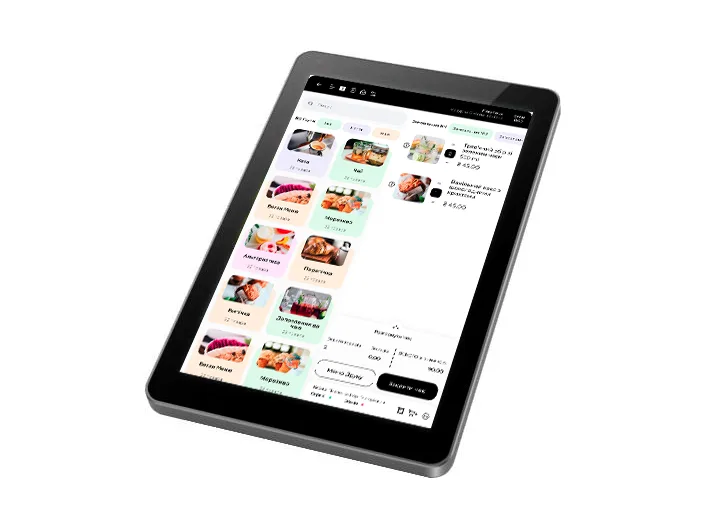
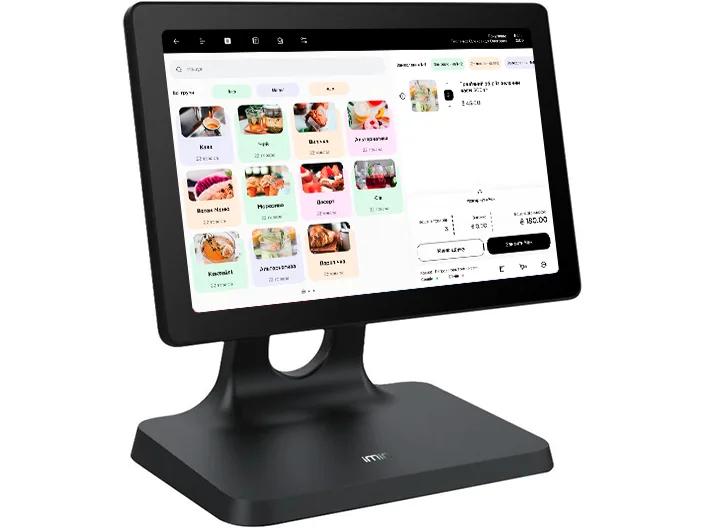
The order automatically appears in the PayKit POS (the "Customer Orders" screen) within one minute
-
3
Receipt Processing
The cashier opens the order and with one tap on "Create Receipt" transfers all items to the receipt
-
4
Status for the Customer
After payment, the order status is automatically updated in the SalesBox dashboard: "In Progress" → "Completed"
Key Benefits of the Integration
What your business gets with PayKit and SalesBox
Advantage 1
Orders without errors or manual entry
Products, prices, and quantities are transferred from SalesBox to the receipt automatically — the cashier doesn't retype anything manually
Advantage 2
Customer sees status in real time
"New" → "In Progress" → "Completed" — status synchronization happens automatically within one minute
Advantage 3
Flexibility at the POS
The cashier can add an item or a discount directly to the receipt without changing the original order in SalesBox
Advantage 4
Products and prices are always up to date
The product catalog is managed from the PayKit POS — a price or name change is immediately reflected on the SalesBox storefront
SalesBox Mobile App and Online Storefront
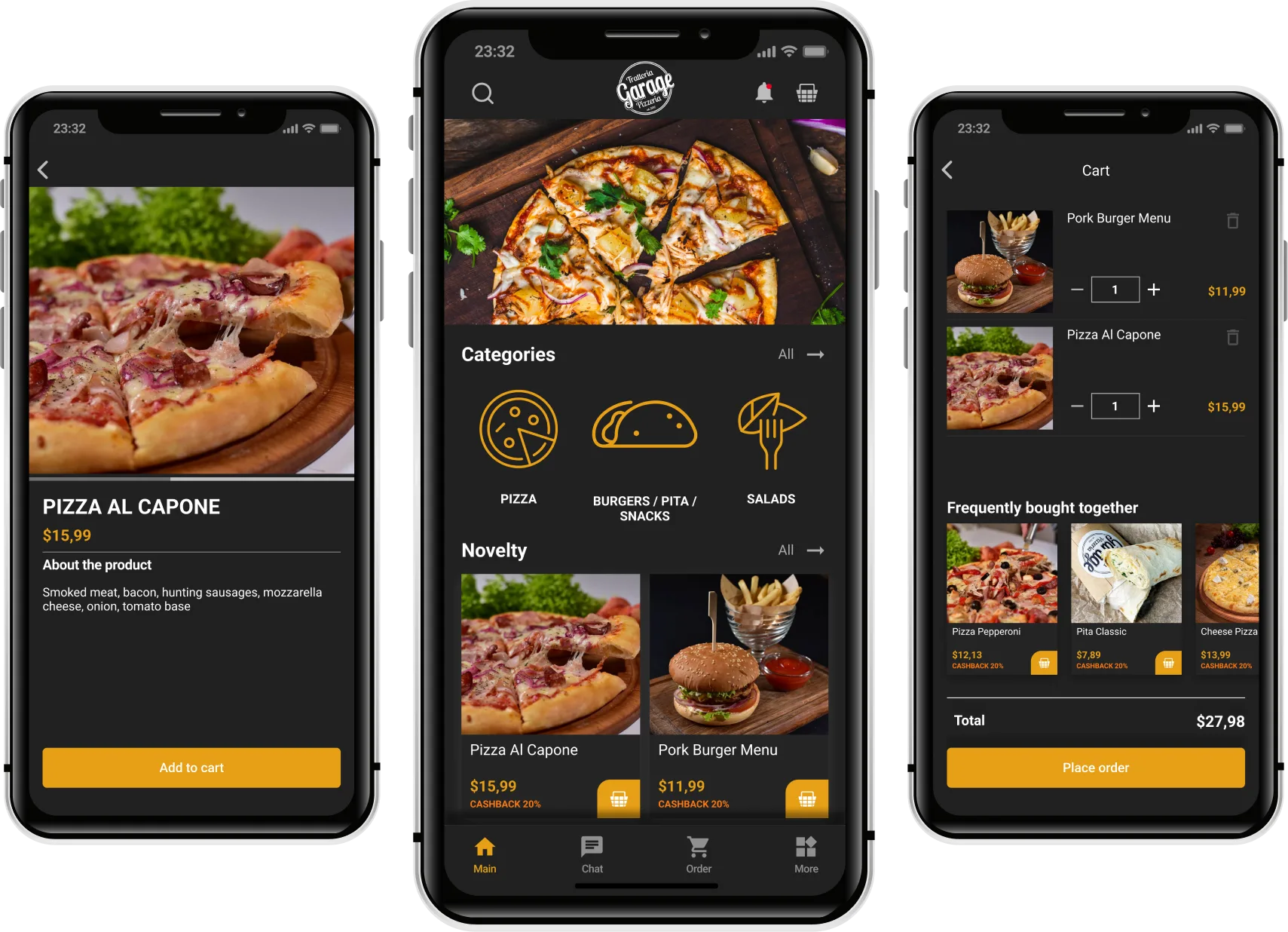
SalesBox gives your business its own branded mobile app and online store. Customers order conveniently — and you receive ready-to-process orders directly in the PayKit POS.
What your customer sees in the SalesBox app:
- Product catalog with current prices (synchronized from the PayKit POS)
- Order placement and delivery method selection
- Real-time order status
- Accumulated bonuses and personalized promotions
- Online chat with the store
How to Connect SalesBox to PayKit
Three simple steps to start accepting online orders
Step 1
Contact the PayKit or SalesBox manager
Step 2
Receive the credentials for connecting the integration
Step 3
Activate SalesBox in your PayKit account
Result
Online orders from the SalesBox storefront will automatically arrive at the POS — the cashier sees them immediately and processes the receipt

