EN
EN UA
UA



 Login
Login 

Inventory without stopping sales: how to count stock while the store Is open


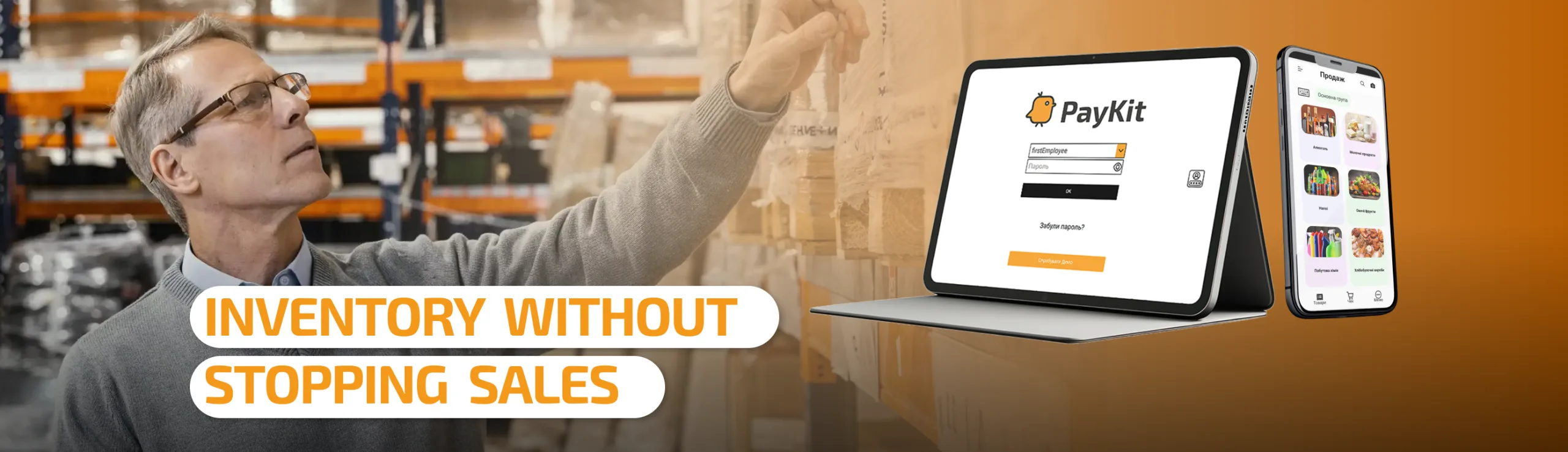
An employee started counting a shelf of juices. While he’s counting one item, a customer picks something off another shelf and heads to the checkout. An hour later, a new delivery arrives. There’s only one cashier — she has to sell and count at the same time. How do you get accurate stock counts in a situation like this, if the store can’t even close for half a day?
Why a regular inventory count is hard to do without stopping sales
A classic inventory count only works correctly when the stock isn’t moving during the count. In a real store, that’s not the case: while one group of items is being counted, the rest of the assortment keeps living its own life — something gets sold, something gets returned, something arrives from a supplier. If this isn’t accounted for, the final numbers won’t match reality, and it becomes unclear whether an item is genuinely missing or was simply sold after it was already counted.
That’s why stores resort to closing or doing inventory at night: it’s easier to stop the movement of goods than to sort out discrepancies afterward. But for a location that operates from morning to evening, closing means a direct loss of revenue.
How inventory without stopping sales works in PayKit
As long as stock control is enabled in the system, every operation — a sale, a delivery, a return, a transfer — continuously changes an item’s calculated balance, regardless of whether an inventory count is underway.
When an employee opens an inventory document, the store doesn’t stop: the register keeps ringing up sales while he walks the shelves at his own pace. The moment a specific item is physically counted and the actual quantity is entered into the system, that moment becomes the reference point for everything that happens to that item afterward. Anything that occurs to it after that — a sale, a return, a delivery, a transfer — PayKit records separately, on top of the quantity already entered.
Each item gets its own reference point
PayKit doesn’t treat the whole assortment as if it were counted in a single instant. For each item, the count starts precisely at the moment its actual quantity is entered into the document. Until an item has been counted, there’s simply no reference point for it yet. In a document with a thousand line items, this doesn’t look like one overall snapshot of the store — it looks like a thousand separate counting moments, each shifted in time.
What this looks like in practice
The employee counts the apple juice — it comes to 10 bottles, and he enters that number into the inventory. From that second on, PayKit starts tracking movement for that specific item.
A minute later, a customer takes one bottle. The sale goes through as usual, and PayKit records it as movement that happened after the count.
The employee moves on to the orange juice, counts it separately, and enters 20 units. For this item, the count starts from this exact moment — regardless of the fact that the apple juice was already fully counted and some of it has already been sold. Each item runs on its own timeline within a single inventory count.
What happens with other operations
If a counted item is sold, returned, restocked, or transferred, each such operation is simply added on top of that item’s already-fixed reference point. The employee doesn’t need to count anything in advance — he just keeps serving customers, while PayKit keeps the records.
Who this is especially useful for
This is felt most by small neighborhood stores, where one employee is both running the register and handling stock at the same time: closing the doors there means a noticeable loss in sales. It’s also useful for stores with a large number of SKUs — the count can be done gradually, a bit in the morning, a bit in the evening, and the shift can be handed off to another employee without a hitch.
What the store gets
No need to close during the recount or stop sales for the sake of accurate stock figures. Inventory can be done gradually, adapting to the flow of customers: a customer arrives, gets served, and the count simply continues from where it left off.
Conclusion
Inventory shouldn't mean a pause in the store's operation. When the system tracks the movement of each item separately, starting from the moment it's actually counted, selling and counting can happen at the same time — no closed doors, no risk of inaccurate stock figures.