EN
EN UA
UA



 Login
Login 

Lists of discount products
 17.12.2024
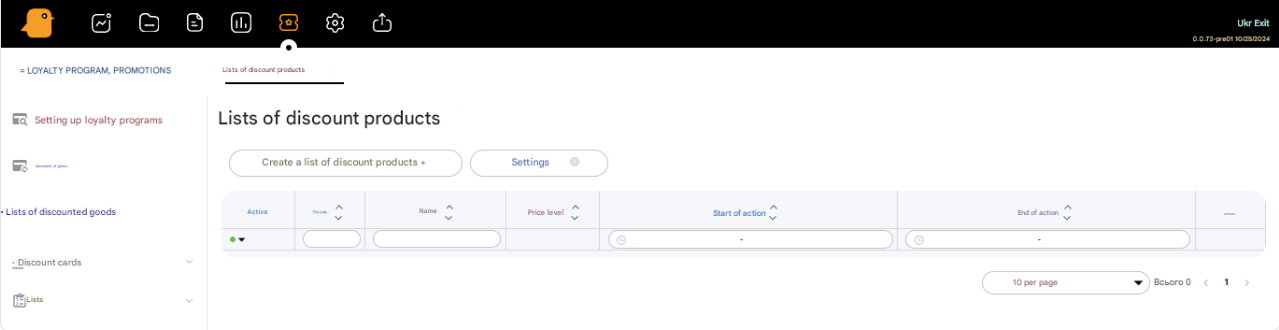
In the menu Loyalty Program, Promotions – List of Discounted Products you can create lists of products that will be sold at a discounted price level for a chosen period of time.
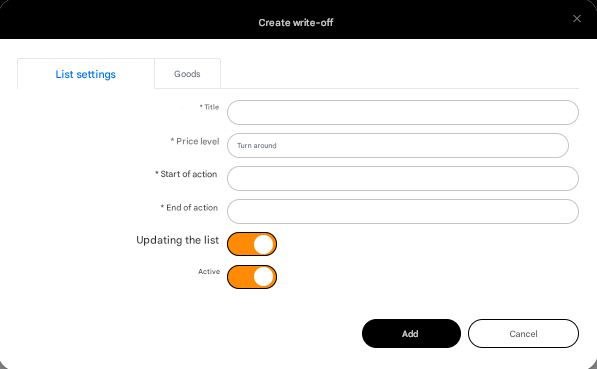
To create a product list, press the Create discounted product list button and fill in the form fields:
- Name * –
product list name - Price level * –
The price level at which the products in the list will be sold - Start of action * –
Date and time of the start of action - End of action * –
Date and time of the end of action - Update list –
Possibility to update the product list - Active –
Activity of the list
After filling in the mandatory fields (marked with a *), press the Add button and proceed to fill in the product list
You can add products to the list using a search by product code, product name, supplier, barcode, or upload an XLSX file with a list of products.
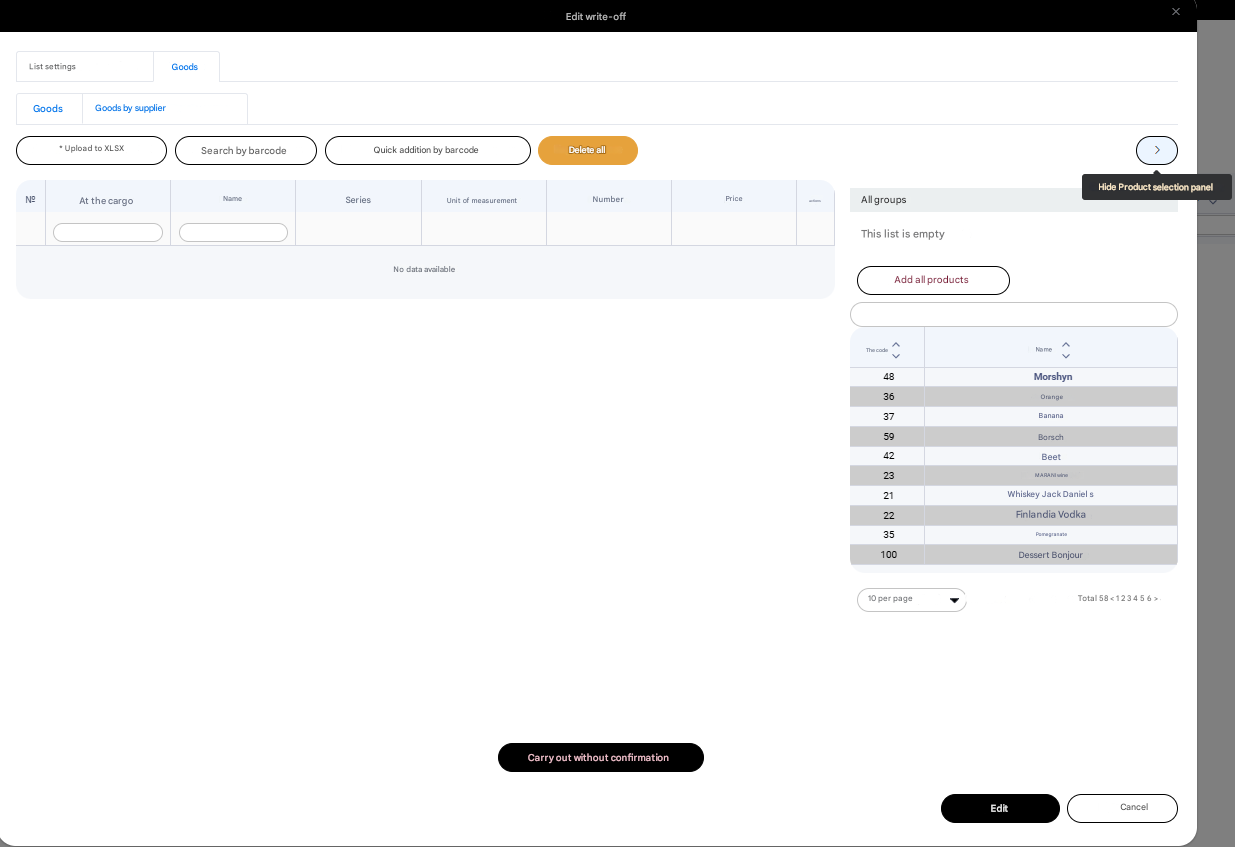
After filling in the product list, press the Post without confirmation button. The list of discounted products will be sent to the retail points.