EN
 RU


 Увійти


Order to supplier
 11.12.2024
The Order to Supplier document allows viewing information about orders for goods that have arrived from trading points, sending new Order documents to trading points and forming orders in the Cloud. To display information, select the period of time for which you need to show the documents.
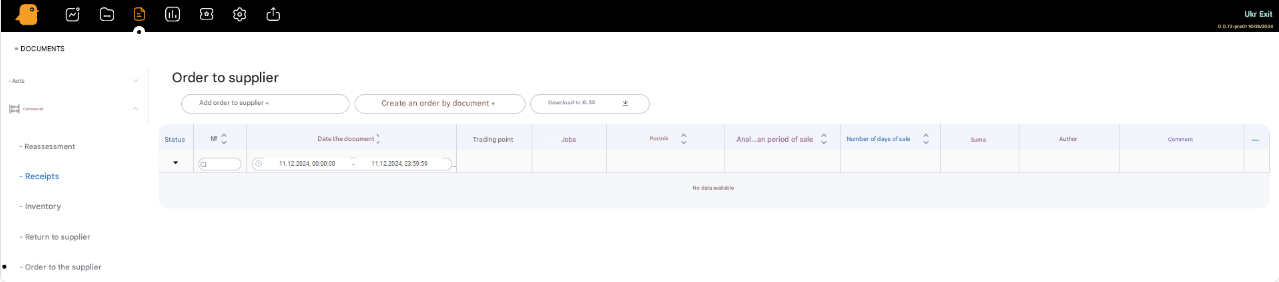
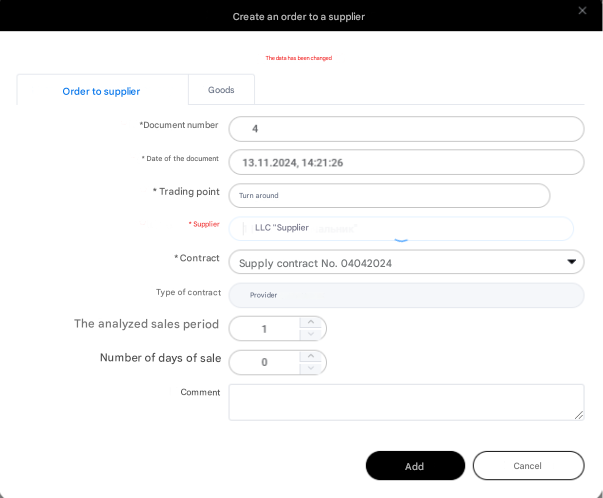
To create a new document in the Documents – Trade – Order section, press the Add Order to Supplier + button and fill in all the fields in the window, namely:
- Document number
- Date
- Select a trading point from the list
- Supplier
- Contract
- Specify the order period (the number of days over which the average sale is calculated)
- Number of order days (the period for which the goods are ordered, i.e. the number of sales days).
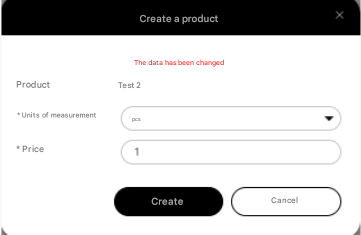
- Press the Add button. Next, a window with groups of goods will appear, in which you select the necessary goods.
At the moment, this functionality is under development. Some functions may not work.