EN
EN UA
UA



 Login
Login 



Discount cards
 17.12.2024
Discount cards
In this section, you can review information about discount cards, create new discount cards and edit existing ones.
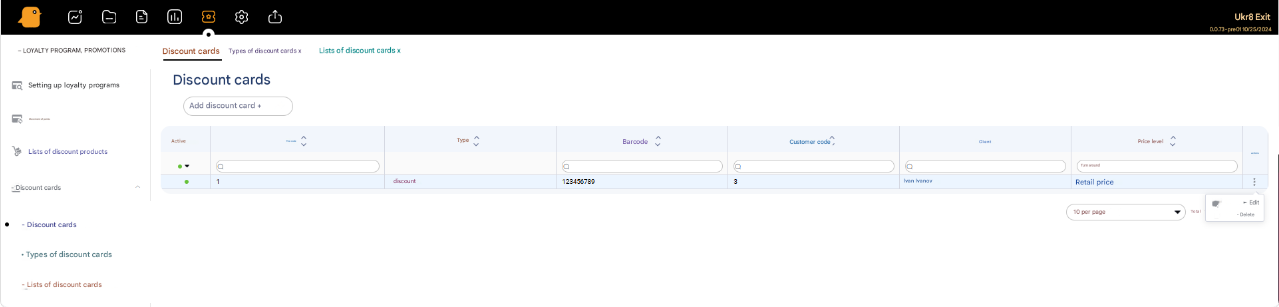
To create a new discount card, you need to click the Add Discount Card + button and fill out the form fields:
- Code * (automatically assigned)
- Type
- Barcode *
- Price level
- Client *
- Active
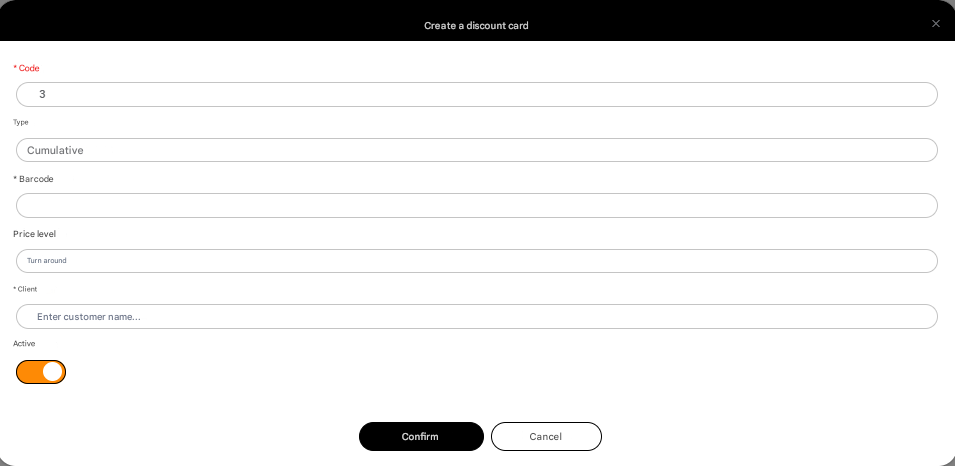
After filling out the mandatory fields (marked with a * symbol), you need to click the Confirm button. The discount card will be added to the list of discount cards.
To edit a discount card in the Actions column, you need to click three dots and then Edit. Edit the discount card and confirm the editing by clicking the Confirm button.
Types of discount cards
In this section, you can view, create, delete and edit different types of discount cards.
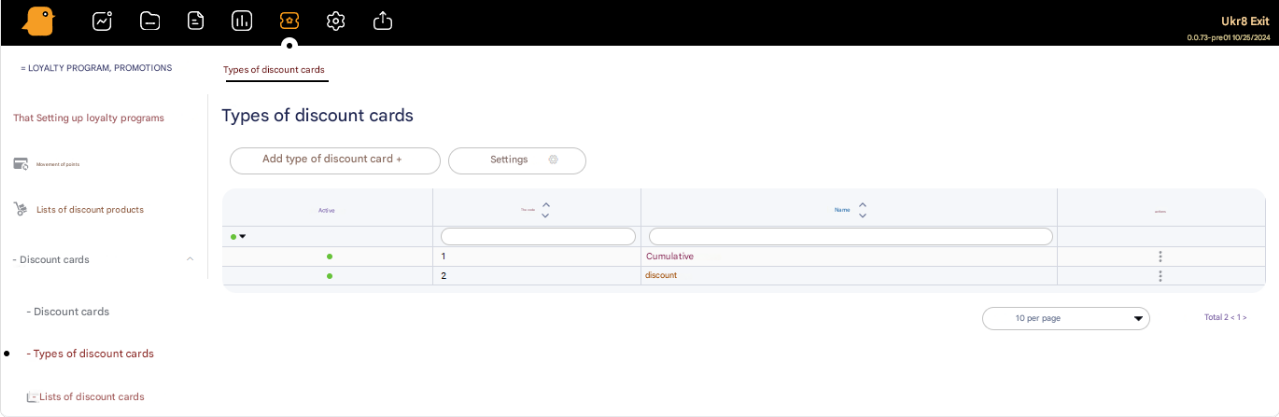
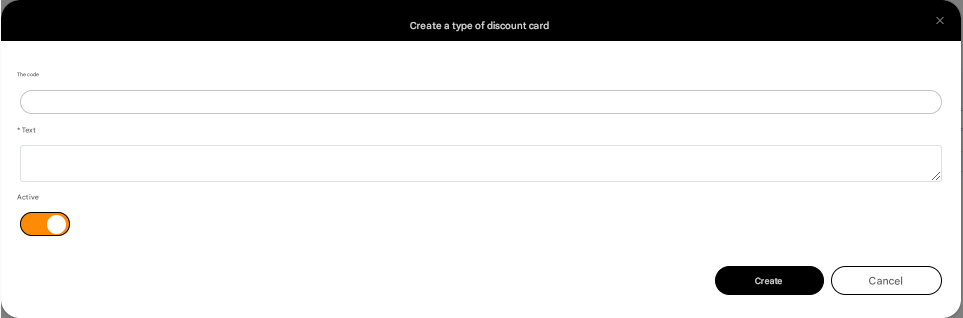
To create a new type of discount card, you need to click the Add Discount Card Type + button and fill out the Code – code of the discount card type, Text – name of the discount card type. After filling out, you need to complete the creation of the discount card type by clicking the Create button.
To edit or delete a type of discount card in the Actions column, you need to click three dots and then Edit or Delete respectively.
Discount card lists
In this section, you can view, create, delete and edit lists of discount cards.
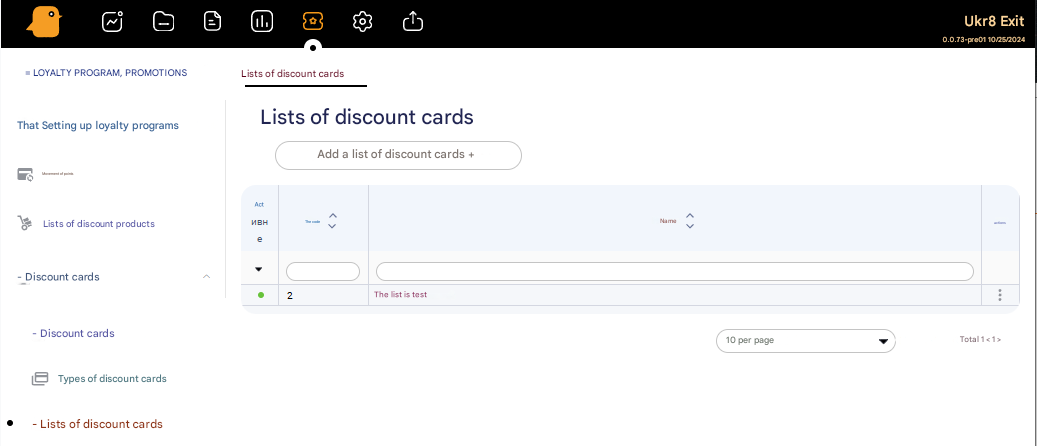
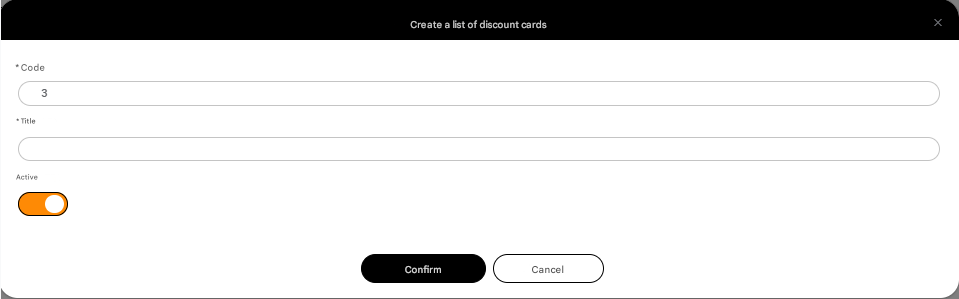
To create a new list, you need to click the Add Discount Card List + button. Fill out the Code (automatically filled) and Name of the list and confirm the creation by clicking the Confirm button.