
burger-menu
Request sent successfully
Submission failed. Try again later

Knowledge base

Sales accounting and fiscalization, operational business control.

Setting Up Fiscal/Non-Fiscal Mode in the PayKit App

calendar img 23.12.2025

In the PayKit app, go to Administrative Settings and select the Printer section.

In the Print Server Settings, under the Select Printer Manually option, move the slider to the far right position and click the Apply button.

Order a free product presentation

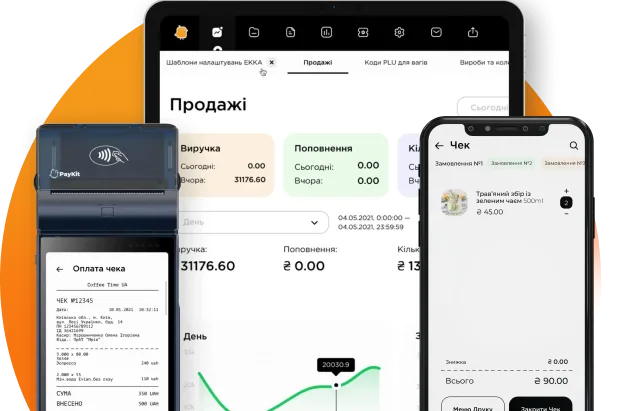
PayKit – cash register, accounting, PRRO in the POS terminal. This is a mobile workplace of a cashier on a phone or tablet, which is not tied to a stationary point.

Request a presentation
Thank you! Your pre-order has been received
An error has occurred. Please try again or contact us directly.